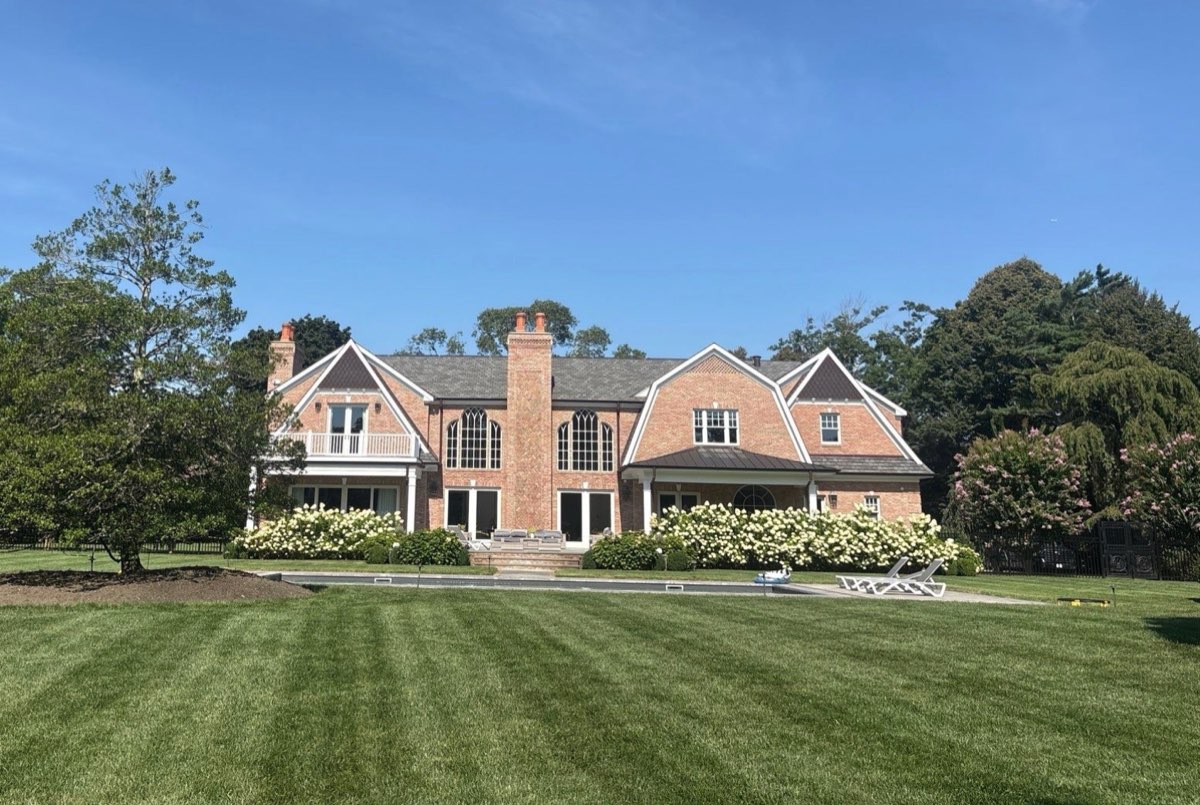
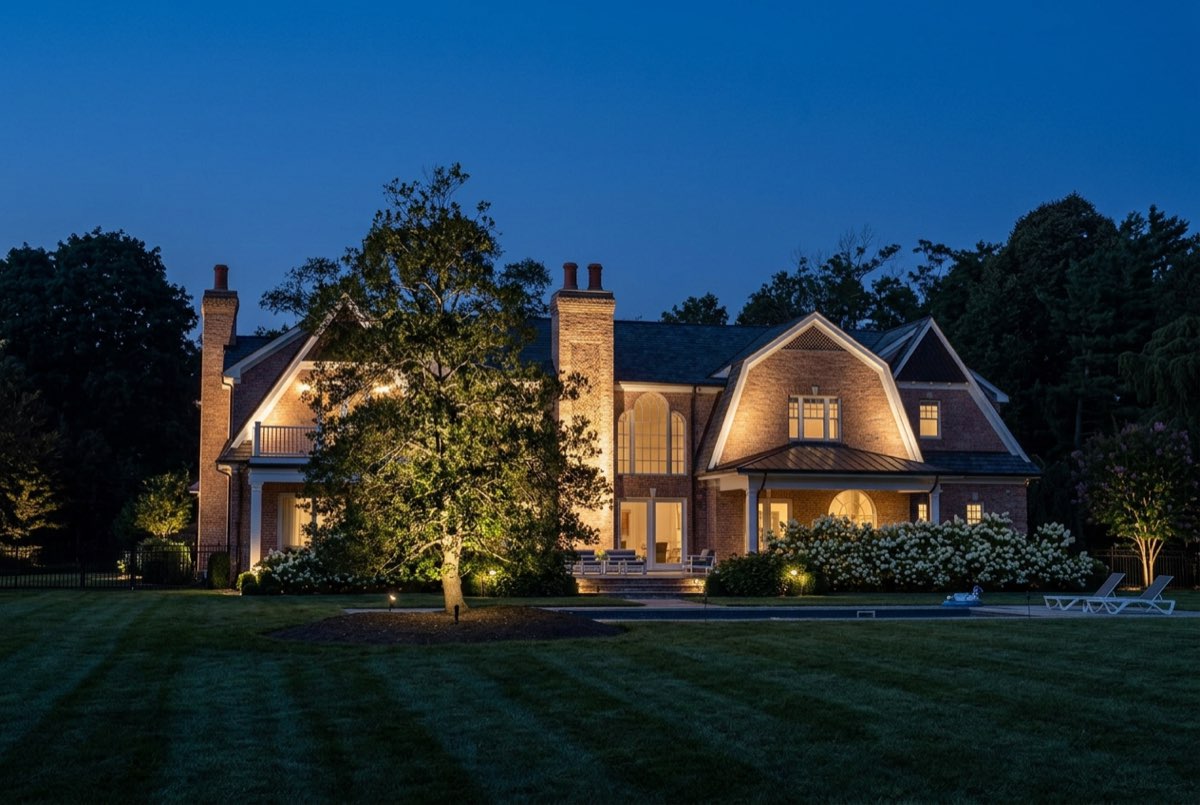
It looks like CAD.
It is easier than Canva.
You should not have to learn another language to hand a client a professional lighting plan. There is no drafting to pick up and no layers to set up. You drop fixtures on the aerial of the property, and the sheet, the legend, the beam spreads and the wiring draw themselves around you.
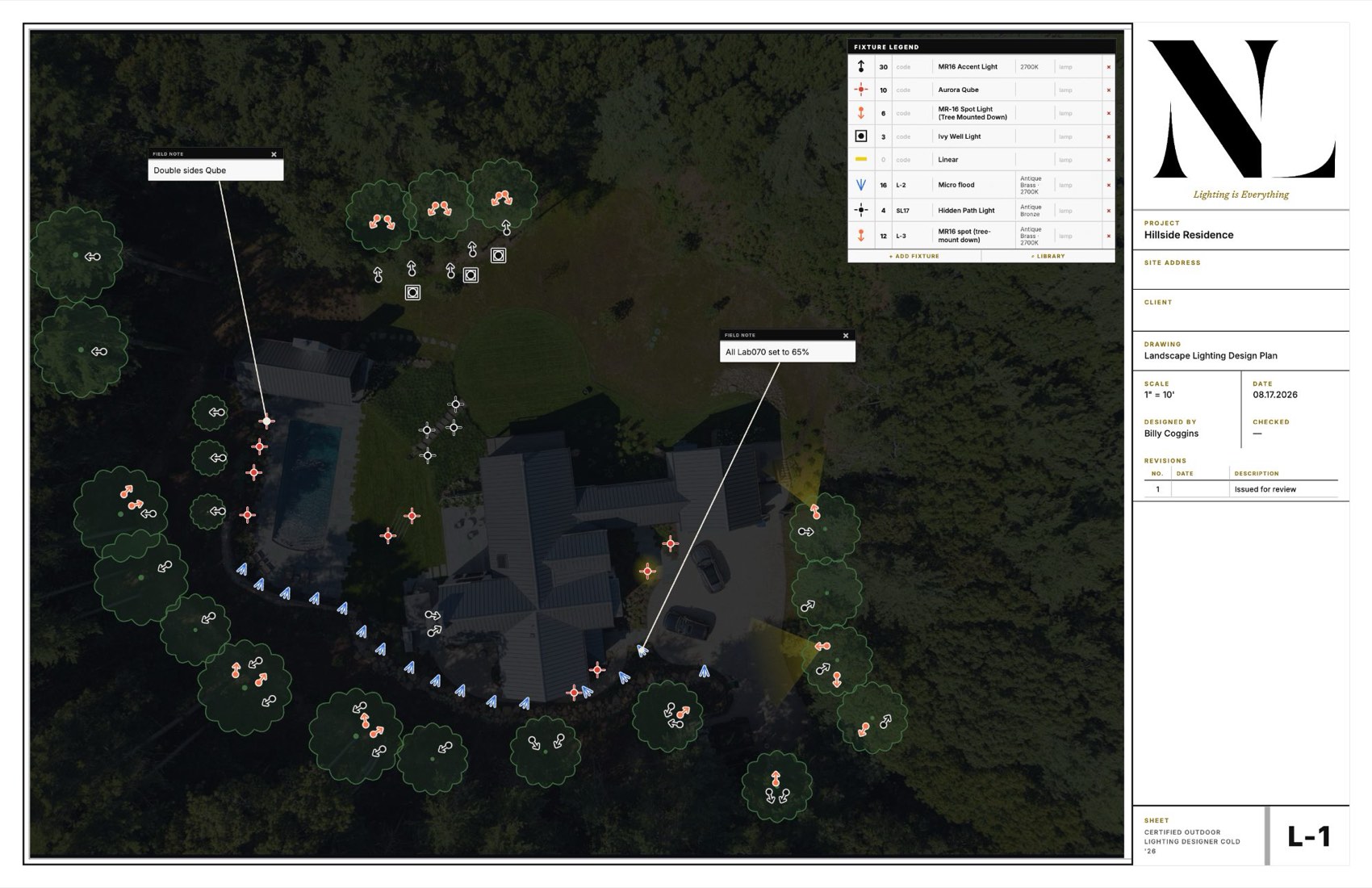
One sheet from a real job — 81 fixtures, beam spreads, site notes and a fixture legend that counts itself. The client’s name and address have been removed; nothing else has been changed.
This came out of the software.
Not a template. A real plan, drawn to scale on the property, with the fixtures, the beams, the notes and the legend a contractor actually hands over. Then it orders the parts, books the crew and gets paid — because it was built to run a lighting business, not adapted from something that runs a plumbing one.
Type the address. The property is already on the sheet.
NiteLiteOS is adding aerial imagery from Nearmap. Type a customer’s address and a recent, high‑resolution aerial of their property lands on the drawing sheet with the scale already set. No screenshots, no measuring a driveway to calibrate. Wire footage, transformer sizing and the cost of the job read true from the first fixture you place.
Sharp enough to see the beds, the paths and every tree, and flown recently enough that the house you draw is the house that is there.
Nearmap is a trademark of its owner and is named here only to identify the imagery service. Coverage varies by area. Not yet released. Details may change before it ships.
Everything after the drawing, without typing it again.
- 01Draw it on the property
Drop fixtures on a real aerial, to real scale. It runs the wire, checks voltage drop and sizes the transformers as you go — the electrical is done by the time the drawing is.
- 02It prices itself
Your own price book, your own labour rates. The plan works out what the job costs you to build — fixtures, lamps, wire, the hours and the driving — and shows you the margin before you send anything.
- 03Send a proposal they can sign
Your logo, your colours, three options if you want them. It goes as a link. They read it on the sofa and sign with a finger.
- 04The deposit lands in your account
Card or bank transfer, the moment they sign. Later stages bill themselves as the job moves. The money goes to you — it never sits with us.
- 05Order the whole job in one press
The plan already knows every fixture, lamp and stake on it, and who you buy each from. It becomes a purchase order per supplier — no counting off a drawing at nine at night, no forgetting the shrouds.
- 06The drawing becomes the as-built
What was actually installed is on the same sheet as what was proposed, with the crew's notes against it. Two years on, when they ring about a dark fixture, somebody can see what is buried where.
- 07Sell the maintenance while they are signing
Offer the care plan on the proposal itself. They tick it as they sign, the agreement is recorded, and it bills itself every year without anybody remembering to send an email.
It is a CRM, built the way a lighting business actually runs.
Every other one was written for somebody else’s trade and bent to fit yours. This one knows what a transformer is, that a fixture takes a lamp, that a well light takes longer to set than a stake, and that the drive out to a job is two hours of somebody’s day. Your customers, your drawings, your proposals, your schedule, your crew’s hours and your money are one record — not five apps that do not speak.